
What Is Configuration Management? Controlling Engineering Changes with ECN/ECO
What is configuration management, and what is the difference between ECN and ECO? The engineering change approval hierarchy and ERP-based control in the defense industry.
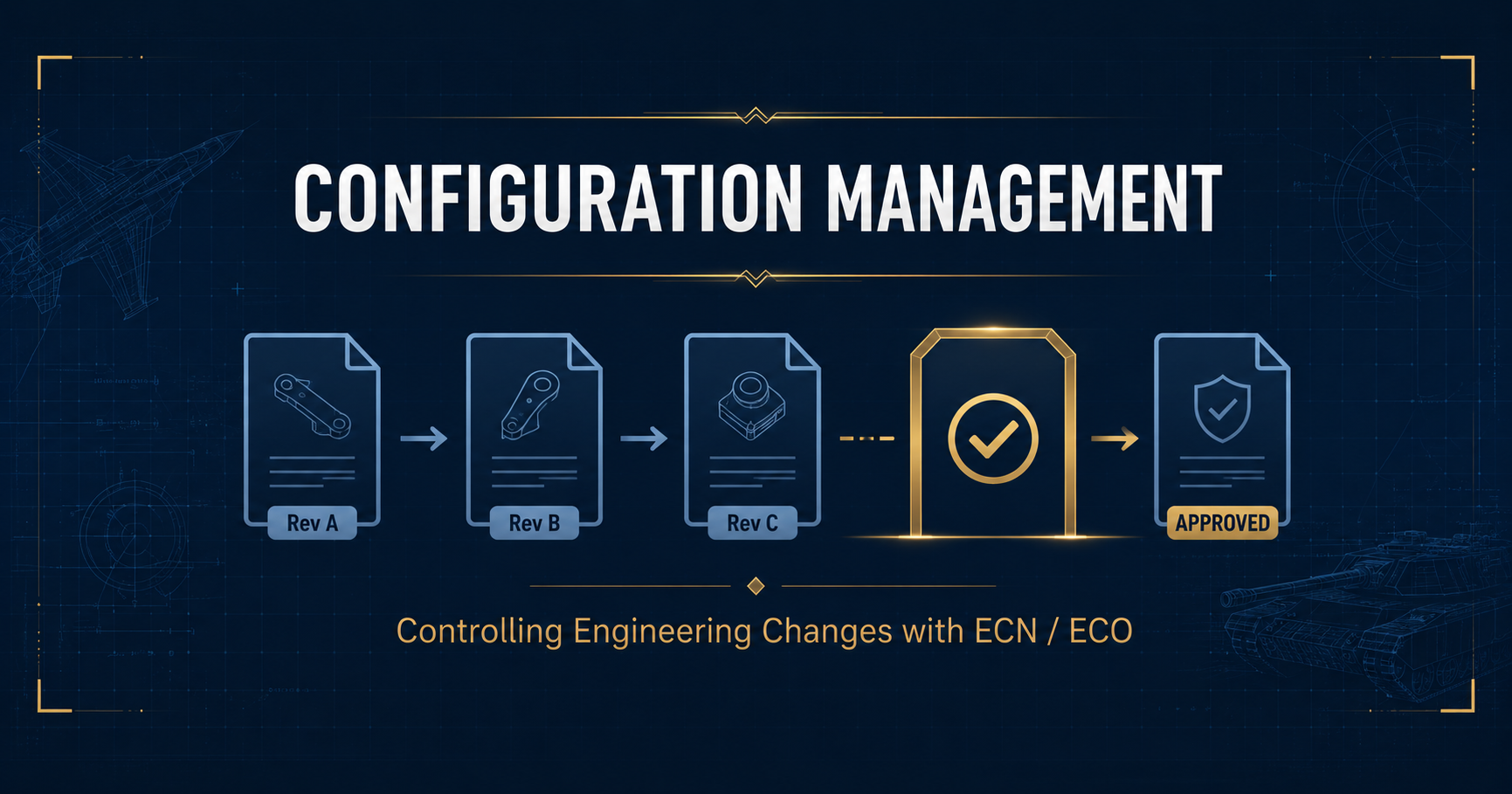
Configuration management is the consistent recording and control of which parts, revisions, and documents a product is made of throughout its design, production, and delivery. Engineering changes are managed through ECN (Engineering Change Notice) and ECO (Engineering Change Order) processes; this way, when a technical drawing or bill of materials changes, the change passes through an approval hierarchy and is reflected across all of production in a controlled manner. It is a fundamental requirement in sectors with AS9100 obligations, such as defense and aerospace.
In defense projects, producing a part with the wrong revision means not just scrap cost but also a major nonconformity in audits and a rejected delivery. This guide explains what configuration management is, the difference between ECN and ECO, how the approval hierarchy for engineering changes is built, and how this process is managed with an ERP.
What Is Configuration Management?
Configuration management is the discipline that keeps a product’s entire technical definition (bill of materials, technical drawings, specifications, revisions) consistent, traceable, and controlled throughout its life cycle. Its purpose is to answer a single question clearly at any moment: “Exactly which parts and which revisions does this product consist of?”
In the defense industry, a system may have dozens of subcomponents, hundreds of technical drawings, and constantly updated specifications. Without configuration management, it quickly becomes impossible to determine which order was produced with which revision. This discipline is built on an accurate, revision-controlled bill of materials (BOM).
Configuration management consists of four core activities:
- Configuration identification: Defining all items and revisions that make up the product.
- Change control: Approving every change through the ECN/ECO process.
- Configuration status accounting: Recording which product was produced with which configuration.
- Configuration audit: Verifying that the produced product conforms to the defined configuration.
What Are ECN and ECO?
Engineering changes are managed with two sequential documents: first the change notice (ECN), then the change order (ECO).
- ECN (Engineering Change Notice): A document that reports and proposes that a change is needed. It includes the definition of the problem, the affected parts, and the proposed solution. It is not yet a decision but a proposal submitted for evaluation.
- ECO (Engineering Change Order): A document that formally orders the implementation of an approved change. It defines which revision will take effect, from which date it will be valid, and what will happen to old stock.
Simply put: ECN proposes the change, ECO implements it. The approval process in between is the heart of configuration management.
What Is the Difference Between ECN and ECO?
| Criterion | ECN (Change Notice) | ECO (Change Order) |
|---|---|---|
| Purpose | Propose the change | Implement the change |
| Stage | Before evaluation | After approval |
| Bindingness | Proposal in nature | Binding / directive |
| Content | Problem and proposed solution | Effective revision and date |
| Outcome | Submitted for review | Reflected into production |
Summary: Running the ECN and ECO process without control leads to one of the most expensive mistakes in defense production: an engineering change is approved but does not reach the shop floor on time, and production continues with the old revision. The result is a major nonconformity in the AS9100 audit and batches that cannot be delivered. This is why it is critical that changes pass through an approval hierarchy and are automatically reflected into the bill of materials.
How Is the Engineering Change Approval Hierarchy Built?
Effective change management requires every ECN/ECO to be approved by authorized people in the correct order. A typical approval hierarchy consists of the following steps:
- Change request: A change need originating from production, quality, or the customer is recorded with an ECN.
- Impact analysis: The change’s effect on cost, stock, suppliers, and the delivery schedule is evaluated.
- Multi-level approval: Engineering, quality, and, when necessary, customer approval are obtained in sequence.
- ECO release: The approved change is published as an ECO with its effective date and revision.
- Reflection into production: The new revision is recorded into the bill of materials, production with the old revision is blocked, and open work orders are updated.
This hierarchy is the essence of the “configuration management and ECN/ECO approval hierarchy” approach defined on the defense solution: no change can enter production without passing authorized approval.
How Is Configuration Management Handled with ERP?
Running configuration and change management with spreadsheets and email chains is the most common source of loss of control: it becomes impossible to track which revision is current, which change was approved, and whether it reached the shop floor. A defense industry ERP manages this entire process in a single system tied to the bill of materials and production.
HarmonyERP supports configuration management with the real capabilities defined on its defense solution:
- Configuration management and ECN/ECO approval hierarchy: Pass every engineering change through a multi-level approval process and prevent unauthorized changes.
- Revision-controlled bill of materials: When an ECO is approved, the new revision is automatically recorded into the BOM; which order was produced with which revision is logged.
- SolidWorks integration: Technical drawings and bills of materials are transferred to the ERP; a change on the design side is carried to the production side in a controlled manner.
- Blocking production with old revisions: Opening a new work order with an obsolete revision is prevented; open work orders are updated with a warning.
Because these capabilities work in integration with production, procurement, and inventory, when a change is approved, its impact (material, cost, open orders) becomes immediately visible across the entire system.
Common Mistakes in Configuration Management
- Updating the change only in design. If the technical drawing changes but the production BOM and open work orders are not updated, the shop floor keeps producing with the old revision.
- Skipping the approval hierarchy. Implementing a change without approval for the sake of a quick fix creates a configuration that cannot be traced in an audit.
- Not defining the status of old stock. If the ECO does not clarify whether old-revision stock will be used, a risk of mixed configuration arises.
- Leaving the effective date ambiguous. If it is unclear from which date/serial number the change is valid, traceability breaks.
- Confusing ECN and ECO. If the distinction between a proposal (ECN) and an order (ECO) is not made, unevaluated changes can leak into production.
Frequently Asked Questions
What is a defense industry ERP?
A defense industry ERP is enterprise resource planning software developed for aerospace and defense manufacturers that require configuration management and ECN/ECO control, compliance with strict quality standards such as AS9100 and ISO 9001, serial/lot-level traceability, and project-based manufacturing. It unifies production, engineering, quality, and procurement processes on a single secure platform. HarmonyERP meets these needs with a revision-controlled bill of materials, an ECN/ECO approval hierarchy, and an on-premise architecture.
What is the difference between ECN and ECO?
ECN (Engineering Change Notice) is a document that reports and proposes the need for a change; it is not yet binding. ECO (Engineering Change Order) is a document that formally orders the implementation of an approved change; it defines the effective revision and date. In short, ECN proposes and ECO implements.
Why is configuration management mandatory in the defense industry?
Defense products contain numerous components, technical drawings, and constantly updated specifications. AS9100 requires proof of which product was produced with which configuration. Without configuration management, producing with an old revision is the most common major nonconformity found in audits.
How does HarmonyERP manage engineering changes?
HarmonyERP passes every engineering change through a multi-level ECN/ECO approval hierarchy. The approved change is automatically recorded into the revision-controlled bill of materials, opening a new work order with an old revision is blocked, and open work orders are updated. With SolidWorks integration, design changes are carried to production in a controlled manner.
Conclusion
Configuration management is the discipline that keeps which parts and revisions a product consists of under control throughout its life cycle; engineering changes are proposed with an ECN and implemented with an ECO. In the defense industry, this process is the foundation of AS9100 compliance and accurate delivery. Changes that do not pass through the approval hierarchy or are not reflected into production on time create scrap cost and audit nonconformity; an ERP system eliminates this risk by automatically tying changes to the bill of materials and production.
HarmonyERP’s manufacturing management module runs configuration management with a revision-controlled bill of materials and an ECN/ECO approval hierarchy, keeping every change from design to production under control. With 20+ years of enterprise software experience, we help aerospace and defense manufacturers set up their engineering change processes in an audit-ready way. To see our defense-specific solution live, request a free demo.
Related guides: Defense Industry ERP Solution · Manufacturing Management Module · What Is a Bill of Materials (BOM)?
Transform Your Business with HarmonyERP
Manage manufacturing, accounting, inventory and sales from a single platform. Request a demo and see the difference.